For years, developers and security teams have been locked in a tug-of-war over how to handle application secrets. The traditional workflow - copying and pasting sensitive API keys into plaintext .env files - has always been a massive security liability. Hardcoded secrets leak into version control, linger on developer laptops indefinitely, and create a sprawling attack surface.
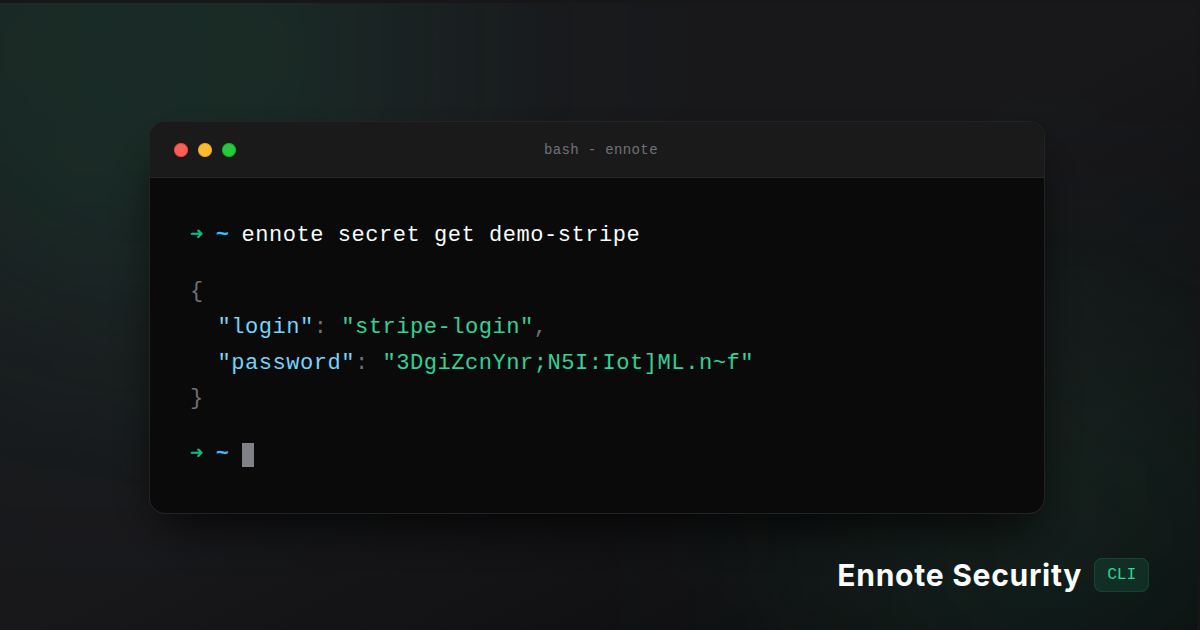
Today, we are thrilled to announce the Ennote Security CLI: an identity-driven, zero-persistence secret manager built from the ground up for modern developers and CI/CD environments.
The Ennote CLI bridges the gap between human identity (SSO) and your infrastructure, allowing you to fetch, inject, and manage enterprise secrets without ever writing a plaintext .env file to disk.
Here is a look at what makes the Ennote CLI the most secure way to manage your environment variables.
🚀 The Magic of Process Injection (Zero-Persistence)
The core philosophy of the Ennote CLI is Zero-Persistence. Secrets belong in memory, not on your hard drive.
Instead of piping variables or writing out configuration files, the CLI securely injects your secrets directly into the memory space of a child process.
For example, to run your local Node server with your production Stripe keys, you simply run:
ennote secret get "stripe-keys" -- npm run dev
What happens under the hood?
-
The CLI authenticates your identity.
-
It fetches the
stripe-keyspayload via a secure, TLS 1.3 encrypted gRPC tunnel. -
It resolves your
$PATHand executesnpm run dev. -
The secrets are injected directly into the execution environment (
cmd.Env) of that specific process tree. -
When the process terminates, the secrets vanish. Nothing is ever written to disk.
Architectural Security & Post-Quantum Cryptography
Enterprise security isn't just a feature; it's our foundational principle. The Ennote CLI operates on a strict Zero-Persistence threat model, heavily fortified against modern attack vectors:
-
Hardware-Backed Cryptography: We implement Ephemeral Elliptic-Curve Diffie-Hellman (X25519) combined with Post-Quantum CRYSTALS-Kyber (Kyber-1024) encapsulation.
-
RAM-Only Decapsulation: Secrets are decapsulated strictly in volatile memory. Plaintext Data Encryption Keys (DEKs) are explicitly destroyed using compiler-safe memory wiping routines before functions exit to defeat memory scraping.
-
OS-Native Keyrings: Authentication tokens are never stored in plaintext config files. We utilize the native OS Keyring (macOS Keychain, Windows Credential Manager, Linux Secret Service).
-
Strict Transport Security: All remote gRPC connections require TLS 1.3, complete with hardcoded downgrade prevention.
Seamless Developer Experience & CI/CD Ready
Security shouldn't come at the cost of developer velocity.
For local development, getting started is as easy as running ennote auth login. This opens your system browser, authenticates you via your organization's SSO (Google, Microsoft, GitHub), and securely stores a session token in your OS keyring.
What about automated pipelines? The Ennote CLI is fully equipped for headless CI/CD environments (GitHub Actions, GitLab CI, Jenkins). Simply provision a Machine Identity Token and inject it via the environment:
# Example: GitHub Actions
steps:
  - name: Run Database Migrations
    env:
      ENNOTE_TOKEN: ${{ secrets.ENNOTE_MACHINE_TOKEN }}
      ENNOTE_ORGANIZATION_ID: org_123
      ENNOTE_WORKSPACE_ID: wrk_prod
      ENNOTE_DO_NOT_TRACK: 1
    run: |
      ennote secret get "db-credentials" -- npm run migrate
(Note: Ennote automatically handles complex JSON serialization, injecting primitives directly as strings to ensure compatibility with standard application parsers).
Verifiable Provenance & Supply Chain Security
You shouldn't have to blindly trust the binaries you install. Every Ennote CLI release is entirely automated and cryptographically verifiable:
-
SBOMs: We attach a standard SPDX/CycloneDX SBOM (
.sbom.json) to every compiled artifact. -
Keyless Signatures: All release checksums are signed using Sigstore Cosign via GitHub OIDC tokens.
-
Zero Human Intervention: No human developer possesses the cryptographic keys to publish or sign a release.
Get Started Today
The Ennote CLI is available today with pre-compiled binaries for all major operating systems.
macOS & Linux (Homebrew):
brew install ennote-io/tap/ennote
Windows (Scoop):
scoop bucket add ennote-io https://github.com/ennote-io/scoop-bucket
scoop install ennote
Universal Shell Script (CI/CD):
curl -sSfL https://get.ennote.io/get-cli.sh | sh
Say goodbye to leaked .env files and hello to identity-driven secret management.
Ready to dive deeper? Check out the official GitHub repository and read through our comprehensive CLI Reference Documentation to start securing your workflow today.